2.3 Password reset
In case you forgot your password, you can use the Forgot Password function to securely reset it and regain access to your account.
To reset your password
 The following window appears:
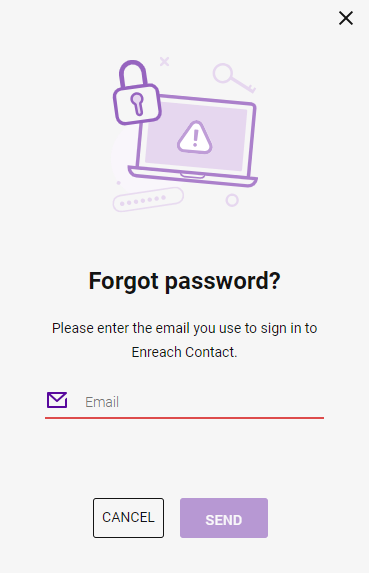 A password reset email will be sent to the provided address.
If the password reset email does not appear in your inbox, check your spam or junk mail folder before requesting a new reset link.
When creating a new password, choose a strong and secure password that includes a combination of uppercase and lowercase letters, numbers, and special characters.
Your password is changed and you can log in to Enreach Contact applications with your new password.