4.3 Recents list
The Recents list displays all incoming, outgoing, and missed calls in chronological order. It provides a quick overview of past calls and allows you to return calls directly when needed. In addition, the Recent list has been enhanced and now displays additional information about group calls, queues, and call pickups.
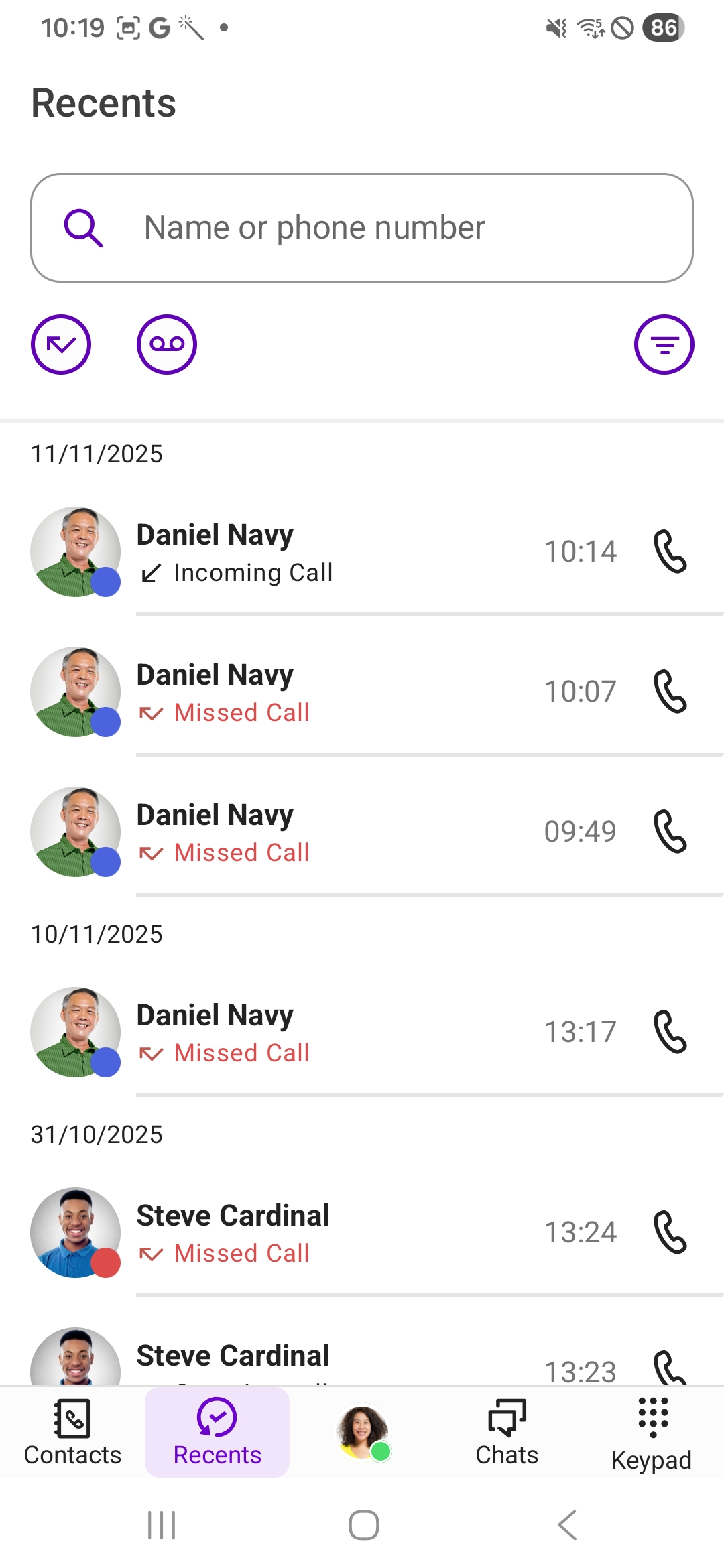
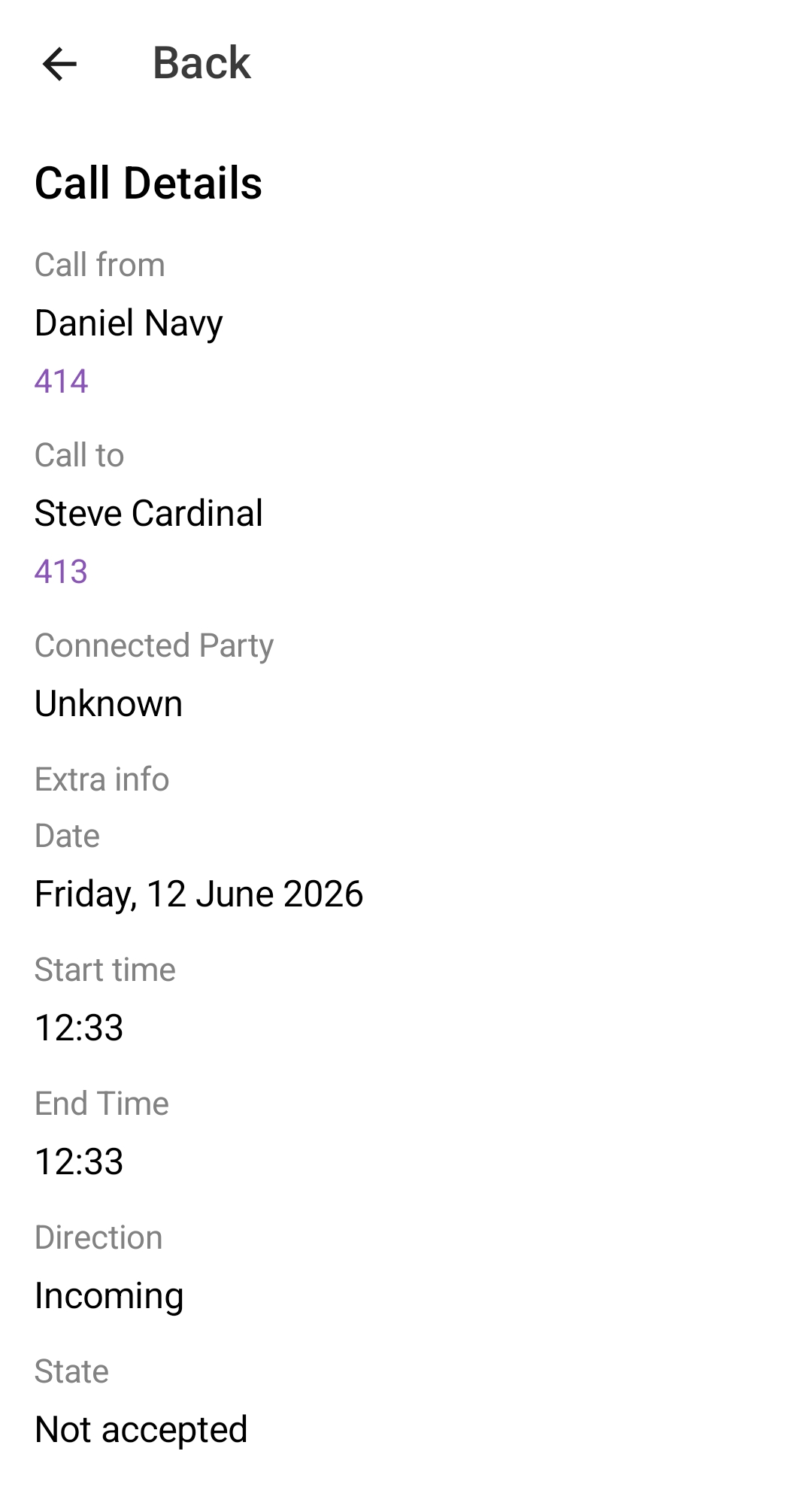
Detailed information is available for each entry, allowing you to view all available information about a call at a glance.
You can use the search field to look up specific names or phone numbers within the list.
Additionally, you can filter the call list by the following call types:
 Incoming callsOutgoing callsMissed callsVoicemails Summaries – analyzed calls via Shomi
If you have missed or declined calls, the number of missed calls is displayed in the bar next to Recents if the area is not in focus.

The data update of Enreach Contact takes place automatically in cyclic intervals. To manually update your recents, drag down the contents of the list with your finger.