9.1 Starting and ending calls
With Enreach Contact, you have several options for making calls.
When saving and processing personal data, observe the respective applicable legal data protection regulations. If you have any questions regarding data protection, please contact your administrator.
Personal data cannot be deleted automatically. In order to meet the valid data protection regulations, it may be necessary to delete the entries manually.
To start and end a call from the contact list
The settings from REACH are adopted by default. To change this, see Connection type.
 The contact profile opens.
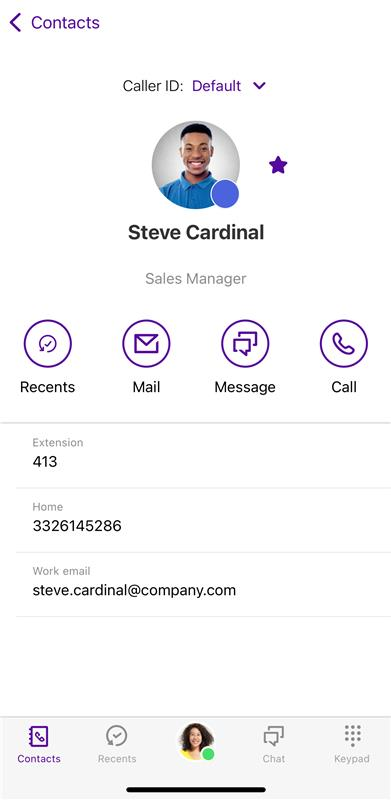 The call is established.
To change the connection type selected in the settings once for the next call, tap firmly on the phone number within the contact profile and select the desired connection type.
To set a default phone number for a contact
The contact profile opens.If at least two telephone numbers are stored in the contact profile of the contact, a menu appears for selecting a telephone number.The call is established. If you tap again on Call, the phone number you selected the first time will always be dialed from now on.To dial one of the other stored phone numbers of the contact, tap it in the contact's profile or long-tap the handset icon and select the desired phone number. The call to this telephone number will be established immediately.
To start and end a call via the Recents list
The call is starting.To change the connection type selected in the settings once for the next call, tap firmly on the entry within the call list and select the desired connection type.
To start a call from the dialer
The dialer opens.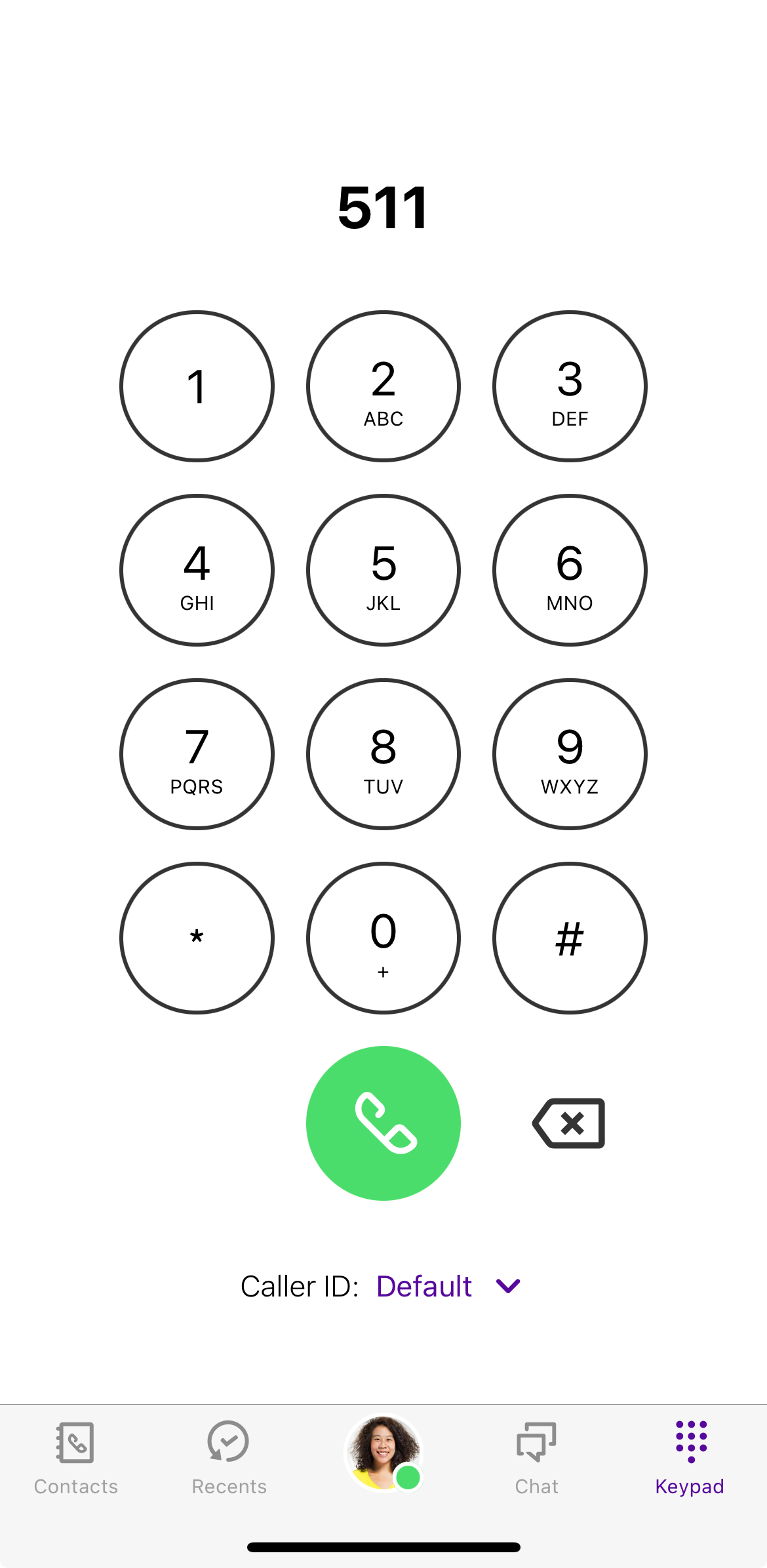 The call is starting.
If you have copied a telephone number or DTMF characters from another application to the clipboard, press and hold the field above the keypad until the option Paste appears.
To change the connection type selected in the settings once for the next call, tap the handset button firmly. You can change the connection type for the subsequent call.